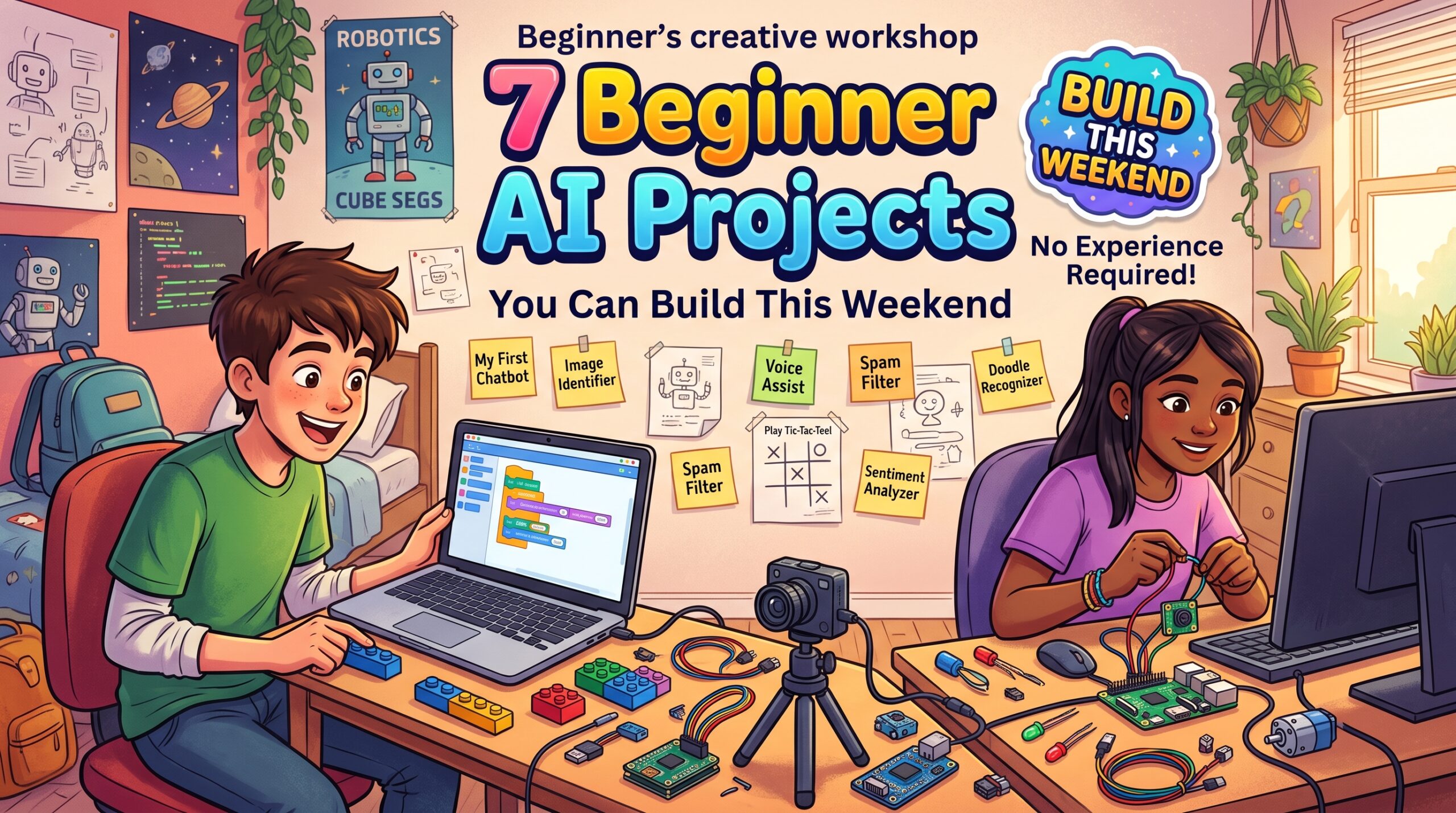
Reading about artificial intelligence only gets you so far. The moment concepts click is usually the moment you build something, even something small. If you have been searching for beginner AI projects, this list is for you. Every idea below can be completed in a weekend or less, uses free tools, and teaches a core skill that carries over to bigger work.
Before You Start: The Simple Setup
You do not need an expensive computer. Here is the minimal toolkit:
- Python: the most popular language for AI and very beginner friendly.
- Google Colab: a free, browser-based notebook that runs Python for you, with no installation and free access to more powerful hardware.
- Libraries: scikit-learn for classic machine learning, and Keras (with TensorFlow) or PyTorch for neural networks.
- Datasets: free, ready-to-use data from Kaggle, the UCI Machine Learning Repository, or built into the libraries themselves.
If neural networks still feel fuzzy, read our beginner guide to [neural networks explained simply] first. It will make every project below feel more intuitive.
Project 1: Predict Flower Species (Iris Classifier)
Skill you learn: the basic machine learning workflow. Difficulty: Very easy.
The Iris dataset contains measurements of petals and sepals for three flower species. Your task is to train a model that predicts the species from the measurements. With scikit-learn, this takes only a few lines of code. It teaches you how to load data, split it into training and testing sets, train a model, and measure accuracy. Think of it as the “hello world” of machine learning.
Project 2: Handwritten Digit Recognizer (MNIST)
Skill you learn: building your first neural network. Difficulty: Easy.
This is the classic first neural network project. Using Keras, you build a small network that reads 28 by 28 pixel images of handwritten digits and predicts which number they show. You will see input layers, hidden layers, activation functions, and training accuracy in action. Beginners are often thrilled to reach around 97 to 98 percent accuracy after just a few minutes of training.
Project 3: Image Classifier With Teachable Machine
Skill you learn: how training data affects results. Difficulty: Easy, no code required.
Google’s Teachable Machine lets you train an image classifier right in your browser using your webcam. Show it your left hand and your right hand, or two different objects on your desk, and it learns to tell them apart in seconds. It is a fantastic way to experience how examples shape a model, and to see for yourself what happens when your training data is too small or too similar.
Project 4: Spam Message Detector
Skill you learn: working with text data. Difficulty: Easy to medium.
Use a public dataset of labeled SMS or email messages to train a model that separates spam from legitimate messages. You will learn how text is converted into numbers (for example with TF-IDF or word counts), then classified with a simple algorithm such as Naive Bayes or logistic regression. This project shows how AI powers tools you use every day.
Project 5: Movie Review Sentiment Analyzer
Skill you learn: natural language processing basics. Difficulty: Medium.
Train a model to decide whether a movie review is positive or negative. Start with a simple approach, then try a small neural network, and compare the results. Later, you can experiment with pretrained language models, which often give strong results with very little effort. This project teaches you that a bigger model is not always necessary, and that comparing methods is a habit worth building.
Project 6: House Price Predictor
Skill you learn: regression, predicting numbers instead of categories. Difficulty: Medium.
Using a housing dataset from Kaggle, build a model that predicts a price from features like size, location, and number of rooms. You will meet important ideas such as feature selection, missing values, and evaluating error. It is also a good introduction to the messy reality of real data, which is often the biggest lesson for new learners.
Project 7: A Simple Chatbot or Q&A Assistant
Skill you learn: using pretrained models through an API or open-source library. Difficulty: Medium.
Build a small assistant that answers questions about a topic you care about, such as your school notes or a hobby. You can use an open-source language model library or a hosted AI API to power it. This shows you how modern AI applications are actually built: by combining pretrained models with your own data and a thoughtful interface.
Tips for Getting the Most From Every Project
- Start small and finish. A completed simple project beats an ambitious abandoned one.
- Change one thing at a time. Adjust the number of layers or the learning rate, and note what happens. Experiments teach more than tutorials.
- Write down what you learn. A short explanation in your own words locks in the concept, and it makes a great blog post or portfolio entry.
- Share your work. Put your notebooks on GitHub and add a short description. This builds a portfolio that shows real skills.
- Do not fear errors. Debugging is not a sign you are doing it wrong. It is the actual work.
How These Projects Fit Into Your Learning Journey
Each project builds on the last. The first few teach the workflow, the middle ones teach specific data types like images and text, and the last ones show how to combine models with real applications. If you want a full roadmap, see our guide on [how to learn AI from scratch].
Frequently Asked Questions
Do I need to know math to start these projects? No. Most beginner projects use libraries that handle the math for you. You can learn the underlying math gradually as your curiosity grows.
How long does a beginner AI project take? Most of the projects above take a few hours to a weekend, depending on your pace.
Which language should I use? Python. It has the largest community, the most tutorials, and the best AI libraries.
Can these projects help me get an internship or job? They can. Documented, well-explained projects on GitHub are a strong way to show initiative, especially as a student.
Key Takeaways
The fastest way to understand AI is to build something with it. Start with the Iris classifier or Teachable Machine, move on to MNIST, and work your way up to text and chatbots. Every project you finish makes the next concept easier.
Pick one project today, open a Colab notebook, and start. Curiosity plus a small win is how every AI journey begins.